Module 3 Formstorming

Weekly Activity Template

student name


Project 3


Module 3

PLACEHOLDER TEXT,

Activity 1
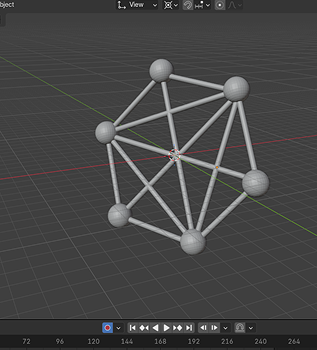
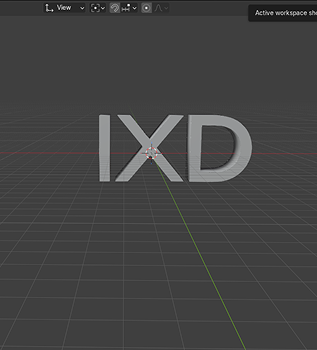
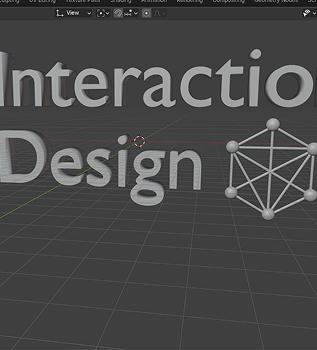
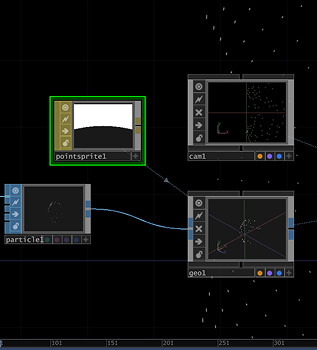
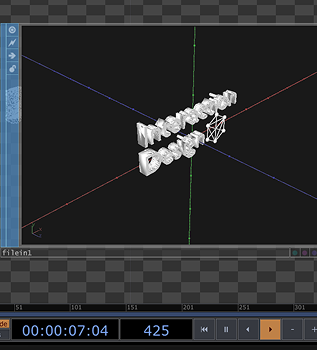
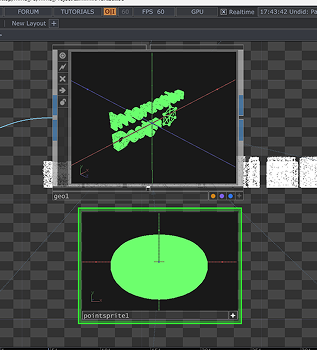
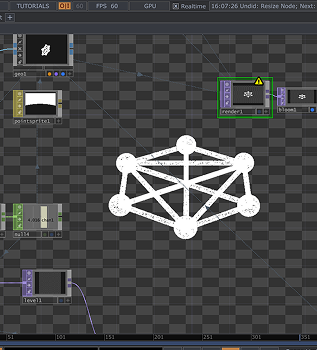
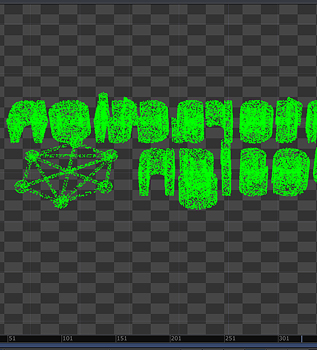
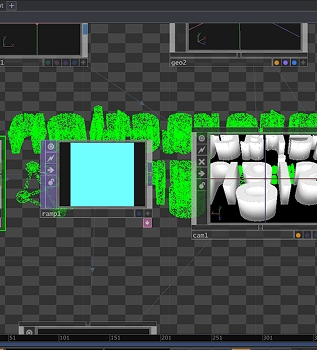
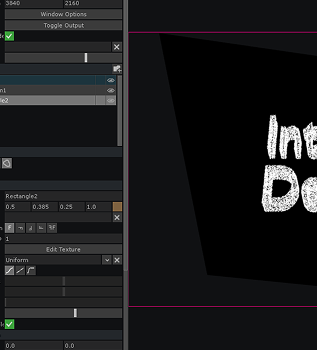
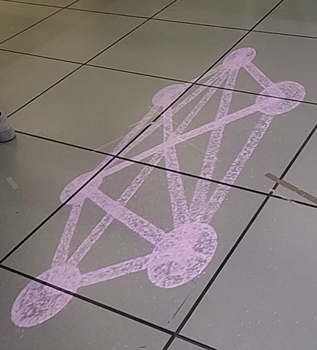
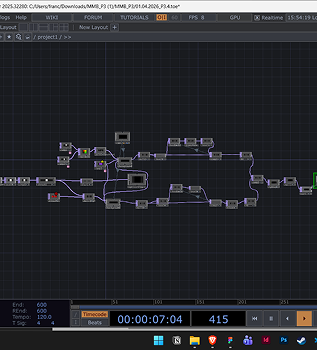
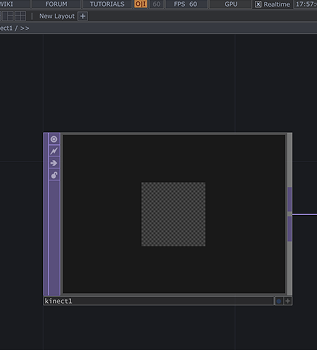
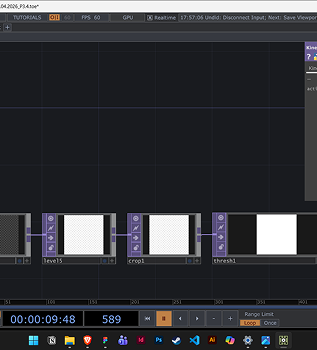
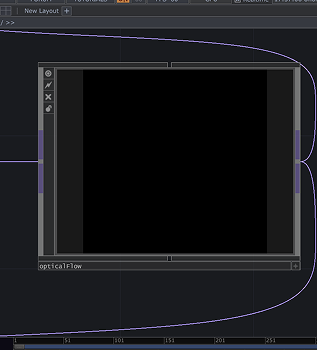
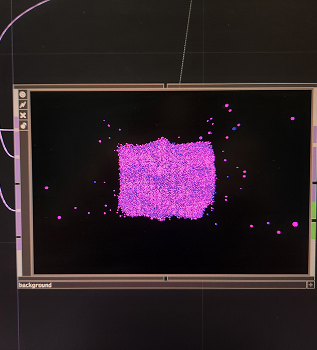
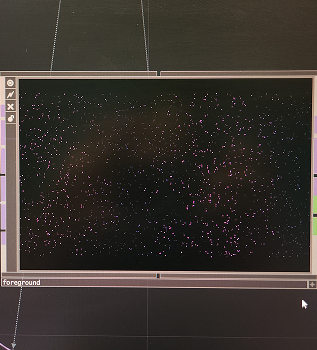
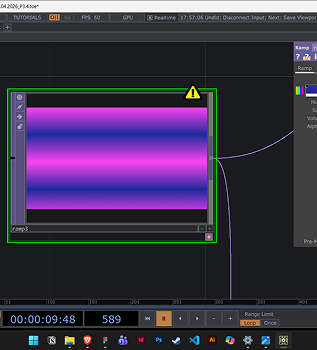
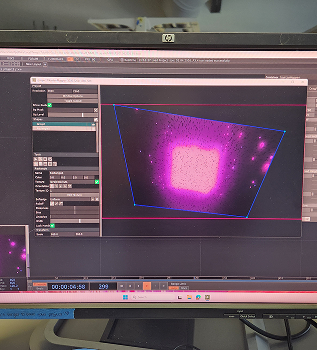
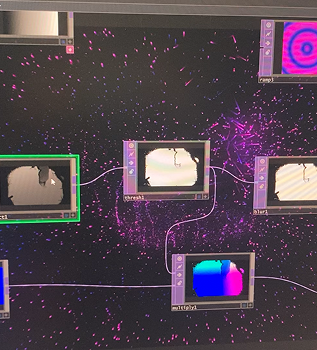
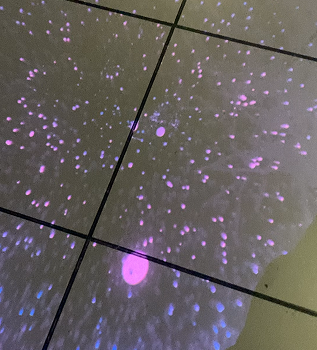
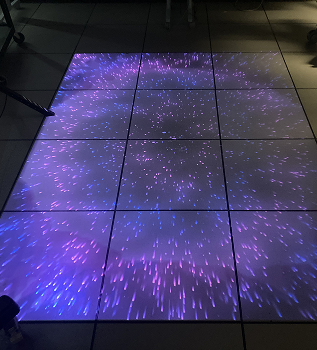
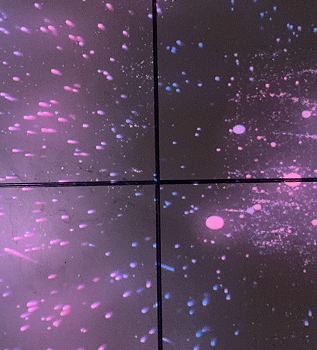
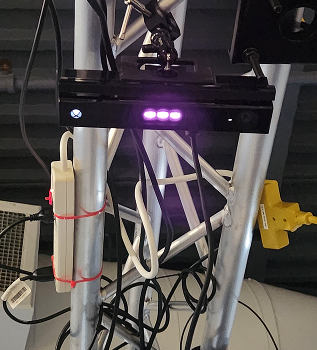
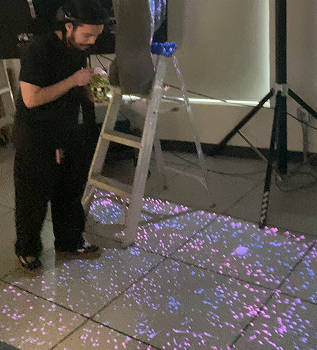
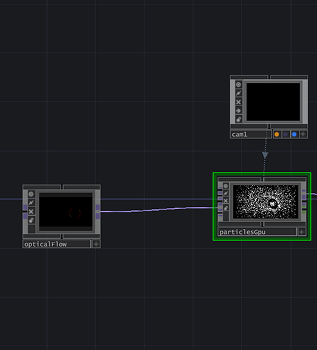
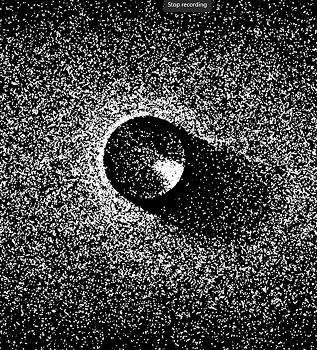
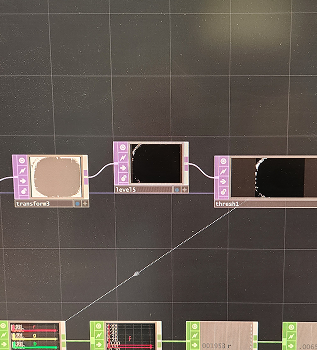
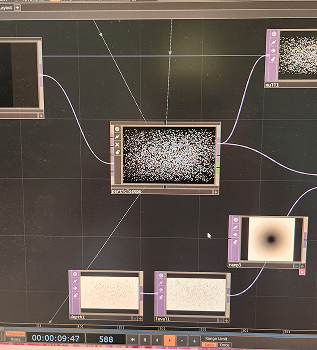
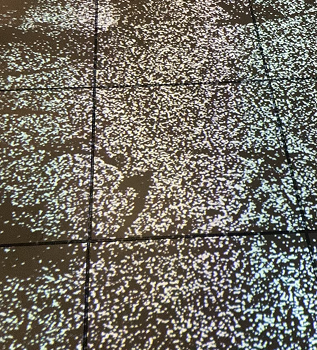
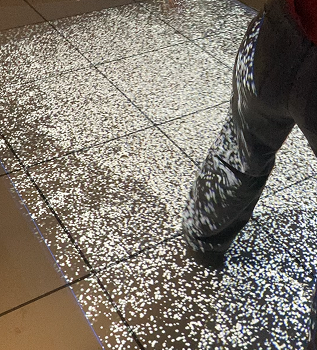
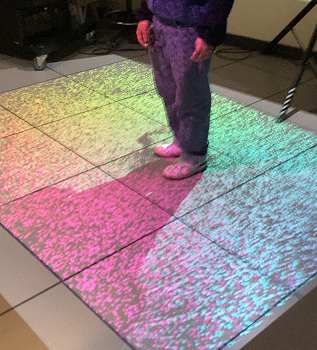
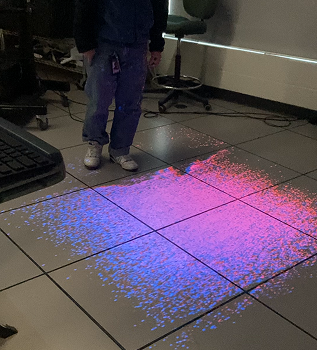
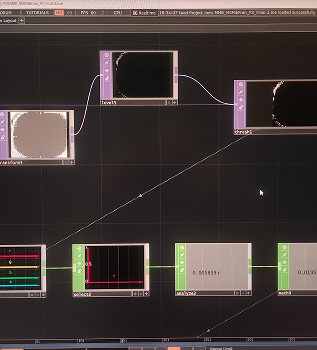
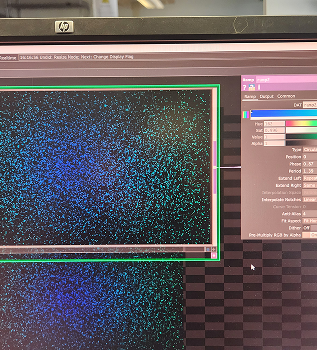
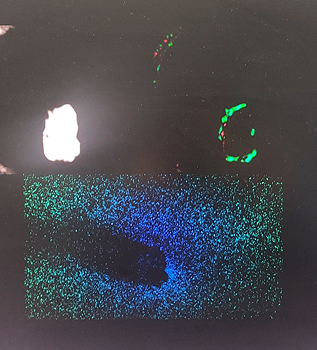
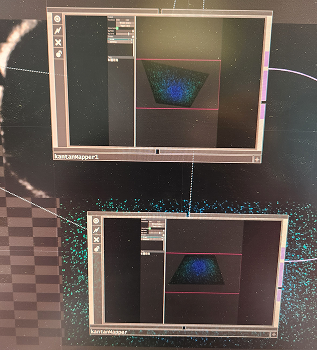
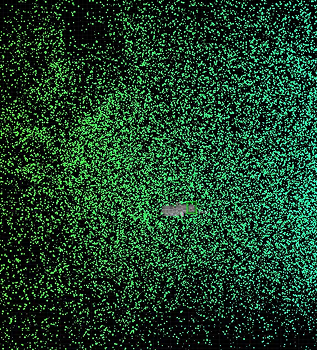
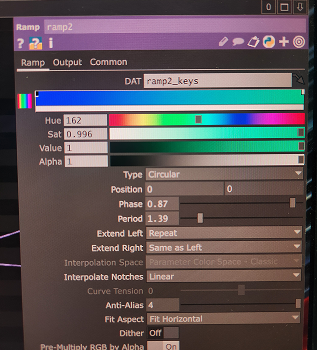
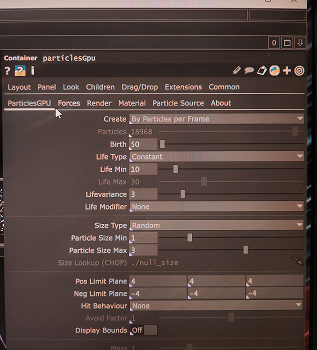
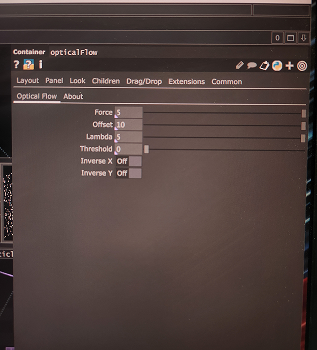
Created a 3D model of IXD logo in Blener Did the same with 'IXD' Modelled 'Interaction Design' and Icon together Tested out putting 3D ParticlesGPU in touchdesigner Followed tutorial to add model into touchdesigner Added a sprites particle to model Did the same with Icon Added moion with camera used RGBkey to change colours Projected it using kantan mapper Projection on the foor <a href='https://vimeo.com/1181615762?fl=ip&fe=ec' target='_blank'><p>Video Link</p></a> Followed another tutorial to add kinect interaction with ParticlesGPU Kinect sensor applyinf different TOPS to change how the kinect senses us Connected to optical flow for Particles to read movement ParticlesGPU number one for the foreground ParticlesGPU number two for the background Used  a ramp to change colour Put it through kantan mapper This is how the kinect works with Particles <a href='https://vimeo.com/1181615646?fl=ip&fe=ec' target='_blank'><p>Video Link</p></a> Projection on the foor <a href='https://vimeo.com/1181615727?fl=ip&fe=ec' target='_blank'><p>Video Link</p></a> Full projection Interaction with hand <a href='https://vimeo.com/1181615696?fl=ip&fe=ec' target='_blank'><p>Video Link</p></a> Kinect is facing down First human test with kinect facing down <a href='https://vimeo.com/1181615762?fl=ip&fe=ec' target='_blank'><p>Video Link</p></a>

Activity 2
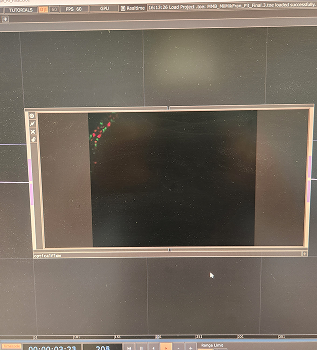
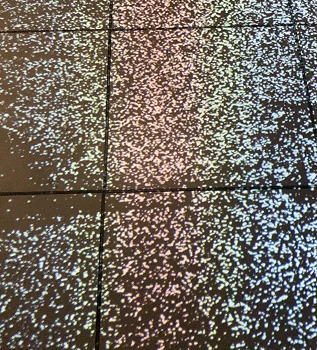
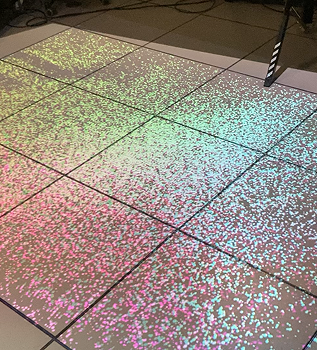
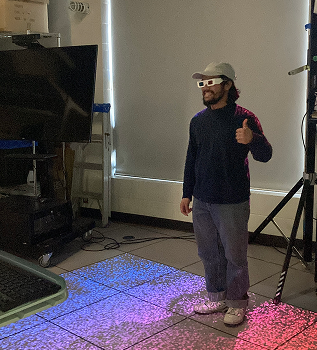
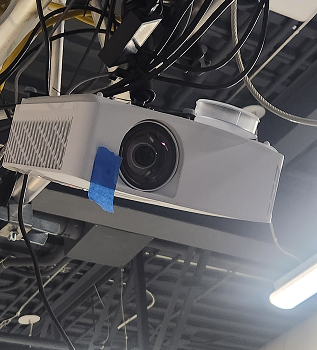
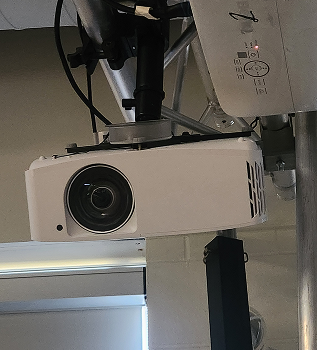
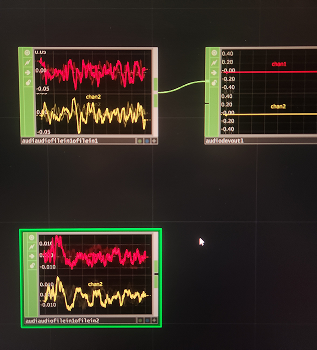
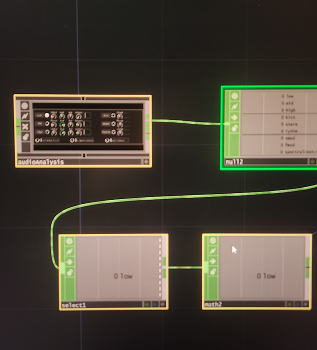
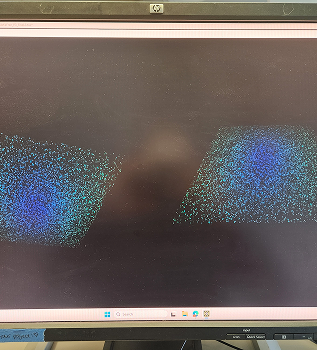
Followed a new tutorial with optical flow and particlesGPU Default optical flow motion with PArticles GPU <a href='https://vimeo.com/manage/1181615451/general' target='_blank'><p>Video Link</p></a> switching the optical flow movement with kinect and TOPS Optical flow with Kinect Everythign connects to a flat ParticlesGPU initial projection test<a href='https://vimeo.com/manage/1181615672/general' target='_blank'><p>Video Link</p></a> Test with human interaction <a href='https://vimeo.com/manage/1181615672/general' target='_blank'><p>Video Link</p></a> Testing out different colours <a href='https://vimeo.com/manage/1181615707/general' target='_blank'><p>Video Link</p></a> adding consistent motion<a href='https://vimeo.com/manage/1181615772/general' target='_blank'><p>Video Link</p></a> later iterations with colours<a href='https://vimeo.com/manage/1181615553/general' target='_blank'><p>Video Link</p></a> testing out size of the particles testing 3D glasses Prjector one Projecttor two Sound interaction 1 - splash sound Sound interaction 2 - stream Consistent stream moves the particles Changing colour to make it more water themed Kinect to Opticla to particles interaction <a href='https://vimeo.com/manage/1181615507/general' target='_blank'><p>Video Link</p></a> Double Kantan mapping projection Side by side projection full interaction<a href='https://vimeo.com/manage/1181615533/general' target='_blank'><p>Video Link</p></a> We changed the colour We chnaged the amount of particles We changed the stregnth of the optical flow

Project 3


Final Project 3 Design

PLACEHOLDER TEXT, replace this with an actual description
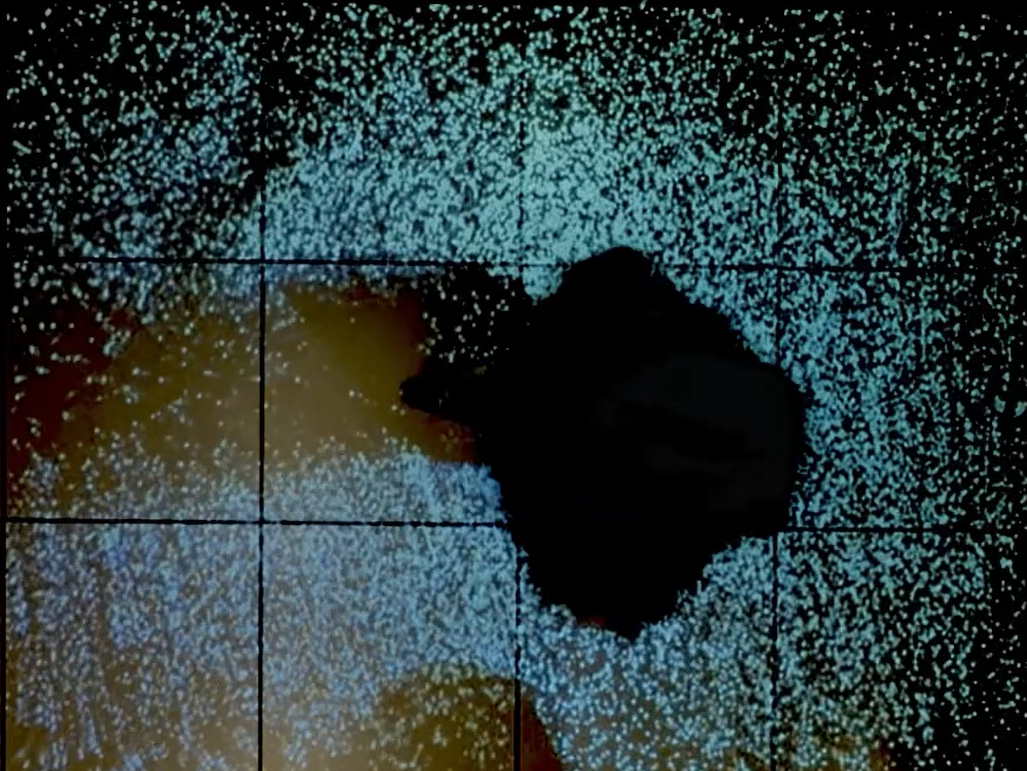
<a href='https://vimeo.com/manage/videos/1183785084' target='_blank'><p>Final Project Link</p></a>
×

Powered by w3.css